

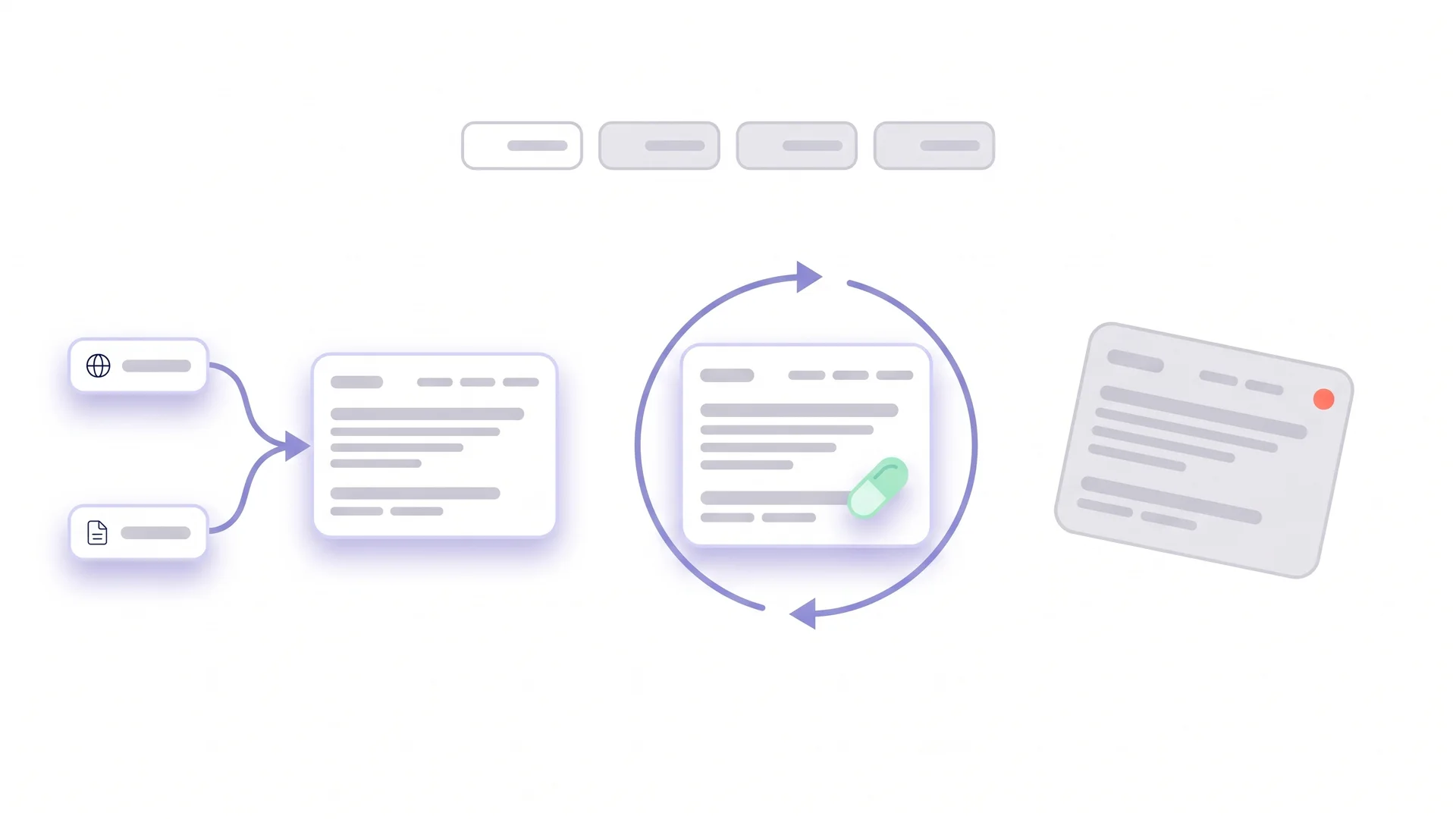
A site with 800 pages is not four times as strong as a site with 200. Often it is weaker. 500 of those pages are thin, duplicated, outdated or simply forgotten, and every one of them counts towards how the whole site is judged. Content pruning is the discipline of cutting what does not earn its place. Done badly it deletes rankings. Done well it is the fastest quality improvement most sites can make.
 Key Takeaways
- Pruning has four outcomes, not one: delete, merge, noindex, or refresh. Delete is the least common right answer
- Google has said since 2011 that low-quality sections can affect a whole site, and that removing, merging or improving weak pages helps
- Never prune by traffic alone. Backlinks, conversions, unique information and strategic role all veto a deletion
- Every removed URL needs a redirect or a deliberate 404. Silent deletions lose the links and the rankings the page held
What is content pruning?
Content pruning is the systematic removal or consolidation of pages that no longer add value. That means thin pages and duplicates, outdated articles, expired campaign pages, tag archives and anything competing with better pages on the same topic. The goal is a smaller site where every indexed page is one you would defend.
The word “pruning” is apt. You cut to make the rest grow. What gets cut is not necessarily bad; it is what the site does not need in its current form.
Pruning is the last step of a content audit. The audit produces a decision per page; pruning executes the decisions that reduce the page count: delete, merge and noindex. Refresh is the fourth possible outcome and the only one that keeps a page alive. Strictly it is not pruning, but it belongs in the same decision.
Why does pruning help a site?
Because search engines evaluate sites, not only pages, and weak pages dilute the picture. Google said this plainly in 2011, in guidance that has aged remarkably well:

 Google Google Search Central Blog, May 2011: More guidance on building high-quality sites
Low-quality content on some parts of a website can impact the whole site’s rankings, and thus removing low quality pages, merging or improving the content of individual shallow pages into more useful pages, or moving low quality pages to a different domain could eventually help the rankings of your higher-quality content.
Fifteen years later, the helpful-content guidance asks a related question from the other side: does your site have a primary focus? A site with 500 forgotten pages struggles to answer that. Not because any single page is harmful, but because the set signals neglect.
Four concrete effects of pruning:
- Concentrated signals. Three overlapping articles on one topic split internal links, backlinks and engagement. One merged article holds them all. This is the fix for content decay caused by cannibalisation.
- Fewer trust leaks. Every forgotten page is a page where facts have expired unnoticed. Removing or refreshing them removes the outdated statements a rater or reader could stumble on.
- A clearer topical picture. A site that publishes deeply on three topics reads as an authority on them. The same site with 200 off-topic pages from an old content strategy reads as unfocused.
- Crawl and maintenance capacity. Fewer pages means every remaining page gets crawled more often and reviewed more carefully. The update cadence becomes achievable.
The well known studies finding that the vast majority of pages get no Google traffic are often cited as an argument for pruning. They are really an argument for auditing. A page with no traffic may still have links, conversions or a strategic role. Traffic tells you where to look, not what to cut.
Which pages are candidates for pruning?
Pages that fail on several dimensions at once. No single metric qualifies a page for removal; the combination does. From your content inventory, filter for pages that match three or more of these:
- No organic clicks in 12 months (Search Console)
- No referring domains (backlink tool)
- No conversions or assisted conversions (analytics)
- Under 300 words of unique body content, or content that duplicates another page’s topic
- Not linked from anywhere important on the site (orphan or near-orphan)
- Outdated beyond repair: an event that passed, a product that no longer exists, a law that was replaced
- No strategic role: not a legal page, not part of a funnel, not required for a partnership or a product
Pages that match three or more go on the candidate list. The candidate list is not the deletion list. The next step decides what happens to each one.
How do you decide: delete, merge, noindex or refresh?
With a short set of questions, asked in order, where the first “yes” decides. This is the sequence we use, and it deliberately makes deletion the last resort.
1. Does the page have backlinks or rank for anything?
If yes, it holds value that disappears with a plain deletion. Two options. Refresh, if the topic is still relevant. Or merge into the best page on that topic with a 301 redirect, which redirect documentation confirms passes the signals to the target.
2. Does another page on the site cover the same intent better?
If yes, merge. Move any unique material (a section, a data point, a good example) into the stronger page, then redirect the weaker URL to it. Two mediocre pages become one good one, and the ranking signals consolidate.
3. Is the topic still relevant and the page merely outdated?
If yes, refresh. Fix the facts, replace dead sources, add what is missing, update the date honestly. The content refresh strategy covers the workflow. Refresh is cheaper than writing new content on the same topic and keeps whatever authority the URL has built.
4. Does the page need to exist for users but not for search?
Thank-you pages, internal tools, gated content, legal notices for a specific market, paginated archives. If yes, noindex. The page stays, search engines ignore it, and nothing is lost.
5. None of the above?
Delete. The page has no links, no rankings, no unique content, no better home and no user purpose. Return a 410 (Gone) or a 404, remove it from the sitemap, and remove internal links to it. Redirecting an irrelevant page to the homepage is not better than a clean 404; it just confuses the signal.
| Situation | Outcome |
|---|---|
| Has links or rankings, topic still relevant | Refresh |
| Has links or rankings, better page exists | Merge + 301 |
| No links, duplicate of a better page | Merge + 301 (keep unique bits) |
| Outdated but topic matters | Refresh |
| Needed by users, not by search | Noindex |
| Nothing to save, nowhere to send it | Delete (410/404) |
 Richard Roth Founder CiteRanger, SEO Strategist
In most pruning projects I have run, the final split is roughly a third refresh, a third merge, a quarter noindex and well under ten percent delete. Teams arrive expecting to delete half the site. They leave having deleted twenty pages and rebuilt sixty. The pages nobody read were rarely worthless; they were unmaintained, and unmaintained is fixable.
How do you prune without losing rankings?
By treating every URL change as a migration in miniature. The rules:
Redirect every merged URL to the specific target
Not to the homepage, not to a category page, to the page that now answers the same intent. A 301 from an article about “content audit templates” to a category page loses the intent match and, with it, most of the value.
Move the unique content before you redirect
Read the page you are merging away. If it has a paragraph, a table or an example the target lacks, move it. Merging is consolidation, not deletion with a redirect attached.
Update internal links
Every internal link that pointed to a removed URL now points to the target directly. Redirect chains are tolerated but wasteful, and links to 404s are a signal of neglect.
Keep the sitemap and inventory current
Removed URLs leave the sitemap; merged URLs are recorded in the inventory with their target. Six months later, someone will ask why a URL redirects, and the inventory should answer.
Prune in batches and watch
Process 20 to 50 pages, wait two to four weeks, check Search Console for the affected URLs and their targets. If a merge lost rankings, the target may not match the intent as well as you thought. Adjust before the next batch.
Deliberate 404s are fine; accidental ones are not
A page with nothing worth keeping can return 404 or 410 without harm. What harms is a page with backlinks returning 404 because nobody checked. The check takes one column in the inventory.
Before any deletion, search the exact URL in Search Console’s performance report for the last 16 months, not 3. Seasonal pages show zero clicks for nine months and then carry a campaign. The longer window catches them.
Should I remove irrelevant internal links during a content refresh?
Yes, and the reason is the reader before it is the crawler.
An article that collected links across several updates usually points at pages with little to do with its subject. Each one is an invitation to leave, and the worst-fitting ones get clicked least, so the useful links end up competing with noise.
A practical rule for a refresh:
- Remove links to pages that no longer exist or have been merged. Those are redirects at best and 404s at worst.
- Remove links added for the keyword rather than for the reader. If the anchor text is the only reason a link is there, it is not helping.
- Keep links that answer a question the paragraph raises. That is the test, not general topical relevance.
- Three to six internal links in a long article is usually enough. Beyond that, each one is worth less.
What not to do is strip every link and start again. The links that have been there longest often carry the most context. Removing them makes the page harder to navigate while looking tidier in the editor.
How does pruning interact with E-E-A-T and AI search?
Both reward focus and maintenance, which is what pruning produces. A site whose remaining pages are current, deep and clearly authored reads to a rater as a site that someone is responsible for. The rater guidelines put weight on who is responsible for the site and whether it is maintained; five hundred untouched pages say nobody is.
For AI systems the effect is similar. Systems that select sources by topic do better with one strong page than with five weak ones. And they cite a page less often when its neighbours on the same site contradict it with outdated facts. Consolidation makes the site easier to place and quote; the on-page E-E-A-T signals become consistent across fewer, better pages.
The corollary: pruning is not a one-time event. Sites grow, campaigns end, products change. A yearly pruning pass, fed by the content inventory and the audit, keeps the site the size it should be.
Conclusion
Content pruning is the decision to keep only what earns its place. And the discipline to carry it out without losing what the removed pages held. Four outcomes, in order of preference: refresh, merge, noindex, delete. Google has said for fifteen years that weak sections affect the whole site, and that improving, merging or removing them helps the rest.
Start from the audit, apply the five questions in order, redirect precisely, move the unique material, and watch each batch before the next. The site that comes out the other side is smaller, and it is the site the rankings were always for.