
“Update your content regularly” is the most common and least useful piece of SEO advice. Regularly means nothing until you attach a number to it, and the right number depends on what the page is about. A tax guide and a definition of a marketing term age at completely different speeds.
 Key Takeaways
- The cadence follows the content type: statistics-heavy pages quarterly, product and pricing pages monthly, evergreen definitions yearly
- Two triggers beat any calendar: a fact on the page changed, or the page's clicks are trending down
- Only real changes count as updates. Changing the date without changing the content is a trust leak, not a refresh
- Monitoring beats scheduling for time-sensitive facts, because they change on their own schedule, not yours
How often should you update content?
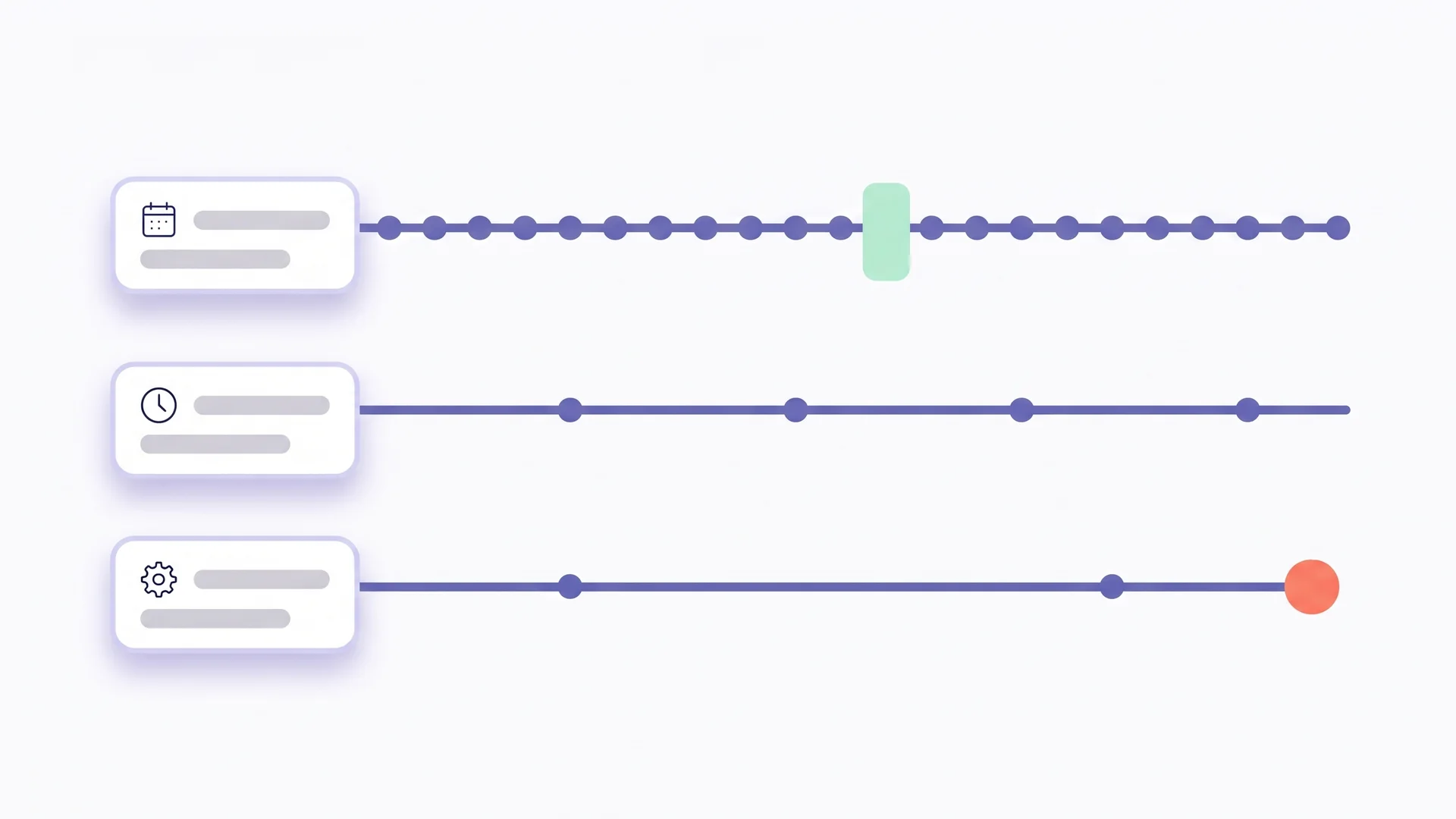
The short answer by page type. Statistics-heavy pages and tool comparisons every three months. Product, pricing and legal pages whenever the underlying fact changes, and monthly at the latest. Evergreen explainers once a year. News never, write a new piece instead. Everything else sits between those anchors.
That answer only works if you know what type each page is. So the useful version of “how often” is a table, not a number.
| Content type | Typical shelf life | Review cadence | What usually expires |
|---|---|---|---|
| Statistics and data roundups | 3 to 6 months | Quarterly | Numbers, source links, “latest study” claims |
| Tool and product comparisons | 3 to 6 months | Quarterly | Prices, features, discontinued tools, screenshots |
| Pricing, plans, legal, compliance | Days to weeks | On change, at least monthly | Prices, terms, laws, thresholds, dates |
| How-to guides with UI steps | 6 months | Twice a year | Screenshots, menu names, steps that moved |
| Best-practice guides | 12 months | Yearly | Recommendations that shifted, examples, references |
| Definitions and evergreen explainers | 12 to 24 months | Yearly | Context, examples, links to newer resources |
| Case studies | Rarely | Yearly check | Client status, results that need a date, dead links |
| News and announcements | Do not update | Never | Write a new piece, link from the old one |
The cadences are review cadences, not rewrite cadences. A quarterly review of a statistics page might take ten minutes and change two numbers. That is the point: small, frequent, honest updates instead of a big rewrite every three years.
Why does update frequency matter at all?
Because Google and AI systems treat currency as part of quality, and because facts expire whether or not you look at them.
Google has weighted freshness explicitly for a long time. When it launched its freshness algorithm in 2011, the company said the change affected a large share of queries:

 Google Official Google Blog, November 2011: Giving you fresher, more recent search results
This algorithmic improvement impacts roughly 35 percent of searches and better determines when to give you more up-to-date relevant results for these varying degrees of freshness.
The mechanism behind that is what SEOs call Query Deserves Freshness: for some queries Google prefers recent content, for others it does not. We explained it in detail in Query Deserves Freshness explained. The practical consequence is that the update frequency your page needs depends on how much the query behind it rewards recency.
Then there is trust. In E-E-A-T explained we showed that Google calls trust the most important element, and accuracy is a core part of trust. A page that cites a 2022 statistic as current in 2026 is not inaccurate because someone made a mistake. It is inaccurate because time passed. Content decay is mostly this: outdated facts hurt your SEO long before the rankings visibly drop.
And the facts really do expire. A Pew Research Center analysis found that 38% of web pages that existed in 2013 were no longer accessible a decade later. Every one of those pages was a source somewhere. If your article cites it, your citation is now dead, and your claim is now unverifiable.
Updating is not a niche practice. In the Orbit Media blogging survey, the share of bloggers who update older articles peaked at 73%. The gap between teams is not whether they update, it is whether they do it systematically or only when someone notices a problem.
Which signals tell you a page is due before the calendar does?
Two signals beat any schedule: a fact on the page has changed, and the page’s search performance is trending down. A third one, a competitor overtaking you, is worth watching on your most important pages.
Signal 1: something the page claims is no longer true
This is the most important trigger and the hardest to see, because nothing on your side changes. The world changes. A price rises, a law is amended, a tool renames a feature, a study is superseded, a source page disappears. The page reads exactly as it did yesterday; it is simply wrong now.
You catch this signal in one of two ways: someone checks every fact on every page on a schedule, or a tool does it continuously. Manual checking works for twenty pages. It does not work for two hundred. This is the part you can hand off. The fact check scans articles for expired statistics and dead sources, so the trigger comes from the facts rather than the calendar.
Signal 2: clicks trending down while impressions hold
Open Search Console, compare the last three months with the previous three, and sort by change in clicks. A page that lost 30% of its clicks while impressions stayed flat is losing the click to a fresher or better result. A page that lost impressions as well may be slipping in rankings. Both are refresh candidates. How to find outdated content on your website walks through the exact reports.
Signal 3: the SERP moved
Search the page’s main query and look at the dates and the format of the top results. If everything on page one is from the last six months and yours is from 2023, this query rewards recency. A tune-up will not get you there. Watch the format of the top results. A comparison table where there used to be prose means the intent has shifted.
Add a “next review” date to every page in your content inventory, set by the cadence table above. Then override it whenever signal 1 or 2 fires. The calendar catches the slow drift; the signals catch the sudden changes. You need both, and neither replaces the other.
What counts as a real update?
A real update changes what the page says or shows, not just when it says it was changed. Google’s publication dates is clear on this point. Show a visible, labelled date. Mark it up with dateModified. Keep visible and structured dates identical. And make sure both describe the page itself, not an event on it.
What qualifies:
- Corrected facts: numbers, prices, versions, laws, names replaced with current ones, with the source link updated too
- Replaced sources: a dead or superseded reference swapped for a current primary source
- New sections that answer questions the page did not cover, ideally taken from the queries the page already ranks for
- Removed sections that are obsolete, with a sentence explaining what changed if readers might look for them
- Updated examples and screenshots that match today’s reality
- Restructured headings to match how people search now
What does not qualify:
- Changing the year in the title from 2025 to 2026 with nothing else changed
- Bumping
dateModifiedon a page nobody touched - Rewording paragraphs without changing their information
- Adding a paragraph of filler to move the word count
The first list builds trust and often ranks. The second list looks like maintenance and is a trust leak. Google’s guidance requires that dates describe the actual publication or update of the page, and that they match everywhere. If you want the full workflow for a proper refresh, content refresh strategy covers it step by step.
 Richard Roth Founder CiteRanger, SEO Strategist
My rule for whether something is an update: could I write one honest sentence describing what changed? “Updated the 2024 statistics to the 2026 study and replaced two dead sources” is an update. “Refreshed for 2026” with no substance behind it is not, and I would rather leave the old date on the page than pretend.
How do you set up an update cadence that actually runs?
Cadences fail when they live in someone’s head. They work when they live in the content inventory with an owner and a date. Four steps:
1. Classify every page by type
Use the table above. On most sites about two thirds of the archive is evergreen explainers and guides. Just under a third is time-sensitive: statistics, comparisons, pricing, legal. The small remainder is news and case studies. The time-sensitive minority is where most of the decay happens.
2. Assign a review cadence and an owner
Put both into the inventory you built for your content audit. Each row gets a “next review” date. The owner is a person, not a team.
3. Run the reviews in batches
Once a month, filter the inventory for pages due this month, review them in one session, record what changed. Most reviews are fast; the ones that need a rewrite go into the content calendar as proper tasks.
4. Automate the fact layer
The cadence handles the slow drift. It cannot handle a price that changes on a Tuesday or a source that goes offline in March. For those, run continuous monitoring on every page with time-sensitive facts, and let the alerts override the calendar.
How often should you update different page types?
To make the table concrete, here is how the cadence plays out on three typical pages.
A “state of X” statistics roundup. Fifteen numbers from eight sources. Quarterly review: check every source still exists and still shows that number, replace superseded studies, adjust the intro if the headline number moved. Most quarters change two or three figures. Once a year, look for newer studies to add.
A tool comparison. Six tools, prices, feature tables, screenshots. Quarterly review plus a monitoring alert on the pricing pages of all six tools. When a price changes, the row changes within days, not months. Screenshots twice a year.
A definition page like “What is E-E-A-T?”. The definition barely moves. The yearly review answers three questions. Has Google changed the guidelines? Have the examples aged? And are the linked resources still the best available? One update a year, sometimes none.
Conclusion
The right update frequency is not a number. It is a rule per page type, plus two triggers that override any rule: a fact changed, or the clicks dropped. Time-sensitive pages get quarterly reviews and continuous fact monitoring, evergreen pages get a yearly look, and news gets a successor article instead of an update.
Whatever the cadence, only real changes count. A visible date is a promise to the reader that the page was checked. Keep the promise, and the date becomes a trust signal. Break it, and it becomes evidence against you.
Cadence answers when; the update playbook answers who and how, and last-updated dates covers what to do with the date once you have changed something.