A dead link is a polite problem. It announces itself with a 404, every crawler finds it, and somebody fixes it within the hour. The dangerous version never breaks. The URL still resolves and the page still loads. Your link checker reports green, and the page behind it no longer says what you cited two years ago.
Researchers call it content drift. It is the reason an archive can pass every technical check and still be full of false statements.
 Key Takeaways
- Content drift means the source changed, not that the link broke. Status code 200, content no longer matching your claim
- It is far more common than link rot. One large study of scholarly references found content had drifted for more than 75% of them
- No SEO tool detects it. Crawlers compare status codes, not meaning, so drift passes every audit you currently run
- Quoting the exact sentence is the cheapest defence. A quote plus a date turns a silent change into something you can check
What is content drift?
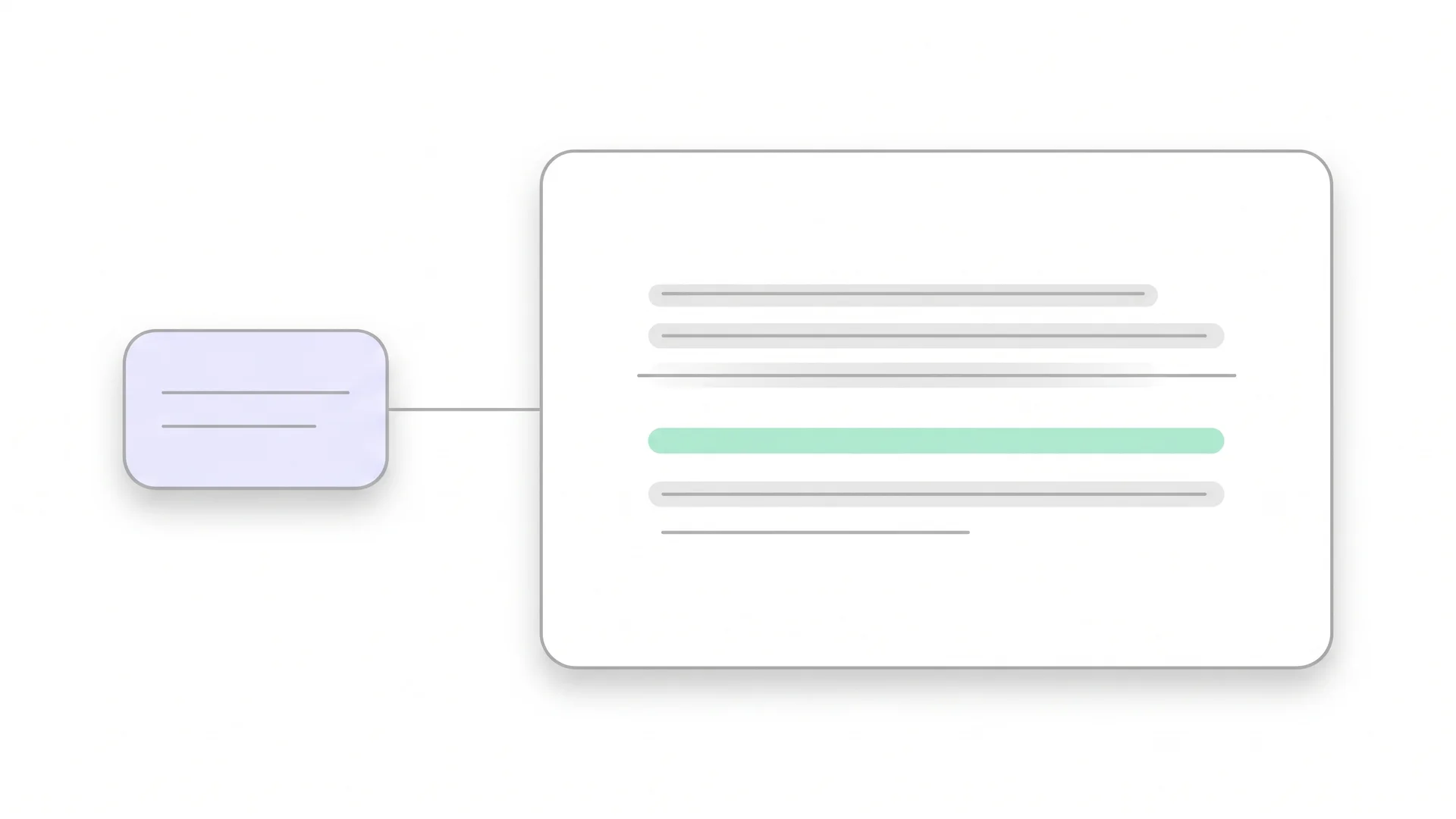
Content drift is what happens when a page you linked to stays online and changes what it says. You cited a page because of a specific number, finding or definition. Someone later edits that page, and your citation now points at something else.
The link is intact. The claim is orphaned.
Three ordinary events cause it, none of them careless:
- A yearly report gets overwritten at the same URL. The 2023 figure you cited is now the 2026 figure, at the address you linked.
- A vendor updates its documentation. The feature you described gets renamed, moved into a different plan, or removed.
- An article gets quietly corrected. The claim you built your paragraph on was wrong and is now gone, and nothing marks the edit.
How is content drift different from link rot?
Link rot is a connection problem, drift is a meaning problem. The practical difference is who notices.
| Link rot | Content drift | |
|---|---|---|
| What happens | The URL stops resolving | The URL keeps resolving, content changes |
| Status code | 404, 410, or a redirect | 200 |
| Found by a crawler? | Yes, instantly | No |
| Found by a reader? | Immediately, the page is gone | Only if they open the source and compare |
| Damage | A broken reference, visibly broken | A wrong claim, presented as sourced |
| Fix | Replace or remove the link | Recheck the claim, then decide |
The last row is the one that costs time. Fixing a dead link is mechanical. Fixing drift means rereading your own paragraph and deciding whether it still holds, which is editorial work.
Link rot is covered by the tools you already have. The outbound link checker walks the external links on a page and reports status codes. We went through the handling in external links and what they do for SEO. Drift sits outside that entire category.
How common is content drift?
Common enough that it is the normal state of an old reference rather than the exception.
The largest measurement comes from scholarly publishing, where references are catalogued and therefore countable. A study in PLOS ONE compared archived snapshots of referenced pages with their live versions across 241,091 references:

We find that for over 75% of references the content has drifted away from what it was when referenced.
Academic papers are the careful end of the spectrum. Those references were chosen deliberately, cited precisely and often archived. A marketing blog that linked to a pricing page in 2022 has no snapshot and no record of what the page said. The cost of that gap is the subject of why outdated content hurts your SEO.
Put next to the other half of the problem, the picture gets worse rather than better. Pew Research Center found 38% of web pages that existed in 2013 were gone a decade later. Of the pages that survive, most have changed. Between the two, very little of what an old article points at still holds.
The two problems scale differently. Link rot grows with time and stops when a page dies, because a 404 cannot get worse. Drift compounds: a page can be edited many times, and each edit moves it further from what you originally cited.
Why does nothing flag it?
Because every tool in the chain checks whether a request succeeded, and a drifted page succeeds perfectly.
A crawler asks a server for a URL and records what comes back: a status code, response headers, maybe the page size. All three look healthy. Even a page-size comparison between two crawls is useless, since an updated statistic changes four characters.
Meaning is the part no crawler handles. Deciding that a page no longer supports your claim requires reading your claim, reading the page, and comparing two statements. That is a different operation from fetching a URL. It sits in the same blind spot as every other accuracy problem.
The result is a specific kind of false confidence. A site runs a technical audit, gets a clean report, and concludes its references are fine. The report never looked. None of the crawlers in our comparison of content audit tools claims otherwise; reading claims is simply not what they are for.
What does drift look like on a real page?
Five patterns cover almost everything. Knowing them makes spot checks much faster, because each one has a tell.
- The number moved. Same page, same sentence structure, different figure. The most common and the hardest to see, because nothing about the page looks new.
- The scope narrowed. A claim that applied to all users now applies to enterprise plans. Your sentence quietly became wrong for most readers.
- The claim disappeared. The paragraph you cited was removed. The page is still topically relevant, which makes the link look fine.
- The page was repurposed. The URL now hosts a different article entirely. Common on sites that reuse slugs or rebuild their structure.
- The link redirects to a hub. The specific page is gone and the server sends you to a category page. Technically a 301, functionally a dead reference.
Patterns three and five are the ones that survive manual review, because the page that opens still looks plausible. Somebody checking quickly sees a relevant page and moves on.
How do you detect content drift?
By checking claims rather than links. Three approaches, in order of effort.
Compare against an archived snapshot. The Wayback Machine usually holds a version of the page from around the time you cited it. Open the old capture next to the live page and the change is immediate. Slow per page, reliable, and the only method that shows you exactly what changed.
Search the live page for your own quoted wording. If you quoted a sentence, you can search the page for it. Present means the citation holds, absent means something moved. Fast, and it only works if you quoted in the first place, which is the argument for doing so.
Recheck the claim, not the source. Take the statement in your own article and ask whether it is still true today, independently of where you originally found it. Slower to think about, but it catches the case where your source drifted and the underlying fact changed too.
For an archive rather than a page, the manual versions stop scaling. The content audit tool runs the third approach across every URL in a sitemap and returns the claims that no longer hold. Same check, without the afternoon.
 Richard Roth Founder CiteRanger, SEO Strategist
The drift that worries me is not the one where a source vanished. It is the one where a vendor updated a limit from 500 to 1,000 and the page still reads perfectly. My article says 500, my link says the vendor agrees with me, and the vendor does not. A reader who checks finds me wrong in the one place I looked most careful.
How do you write citations that survive drift?
You cannot stop other people editing their pages. You can make the change visible when it happens.
- Quote the sentence you rely on. A verbatim line in quotation marks is checkable forever. A paraphrase with a link is not.
- Name the date you read it. “Retrieved November 2026” costs four words and tells every later reader which version you meant.
- Link the specific page, not the hub. Deep links break more often, and that is a feature here. A 404 you can see beats a homepage that silently answers nothing.
- Prefer sources with versioned URLs. Reports with a year in the path, documentation with a version number, papers with a DOI. Those addresses are built not to drift.
- Write the number into your own sentence. If the figure matters, state it in your text with its source and date, instead of hiding it behind a link. Then an audit of your own page can catch it.
Each of these turns an invisible change into a visible one. That is the whole aim; nothing here prevents drift.
When you check a source and it still holds, note the date in your own file. A reference last verified three months ago needs no attention this quarter, and knowing which ones those are keeps the next check down to the pages that have gone unexamined longest.
Conclusion
Content drift is the quiet half of source decay. Link rot is loud, mechanical and already handled by tools you own. Drift keeps returning 200 while it makes your article wrong, and nothing in a standard audit will ever mention it.
A drifted citation is a trust problem before it is an SEO problem. How Google and AI judge trust explains why accuracy sits at the centre of both. Start with your most-linked pages and the claims you repeat most often. Open the sources, compare them against what your text says, and quote the sentence when you fix them so the next check takes seconds. The point is not that your sources changed. It is that your page still claims they did not, and the reader who checks is usually the one you most wanted to convince.