

Search for content audit tools and you will find Semrush Content Audit near the top of most lists. The tool has been switched off. Semrush says so on its own page: “The Content Audit tool is no longer available in our suite.” Nobody updated the lists. For a category that exists to catch outdated content, that is an uncomfortable start.
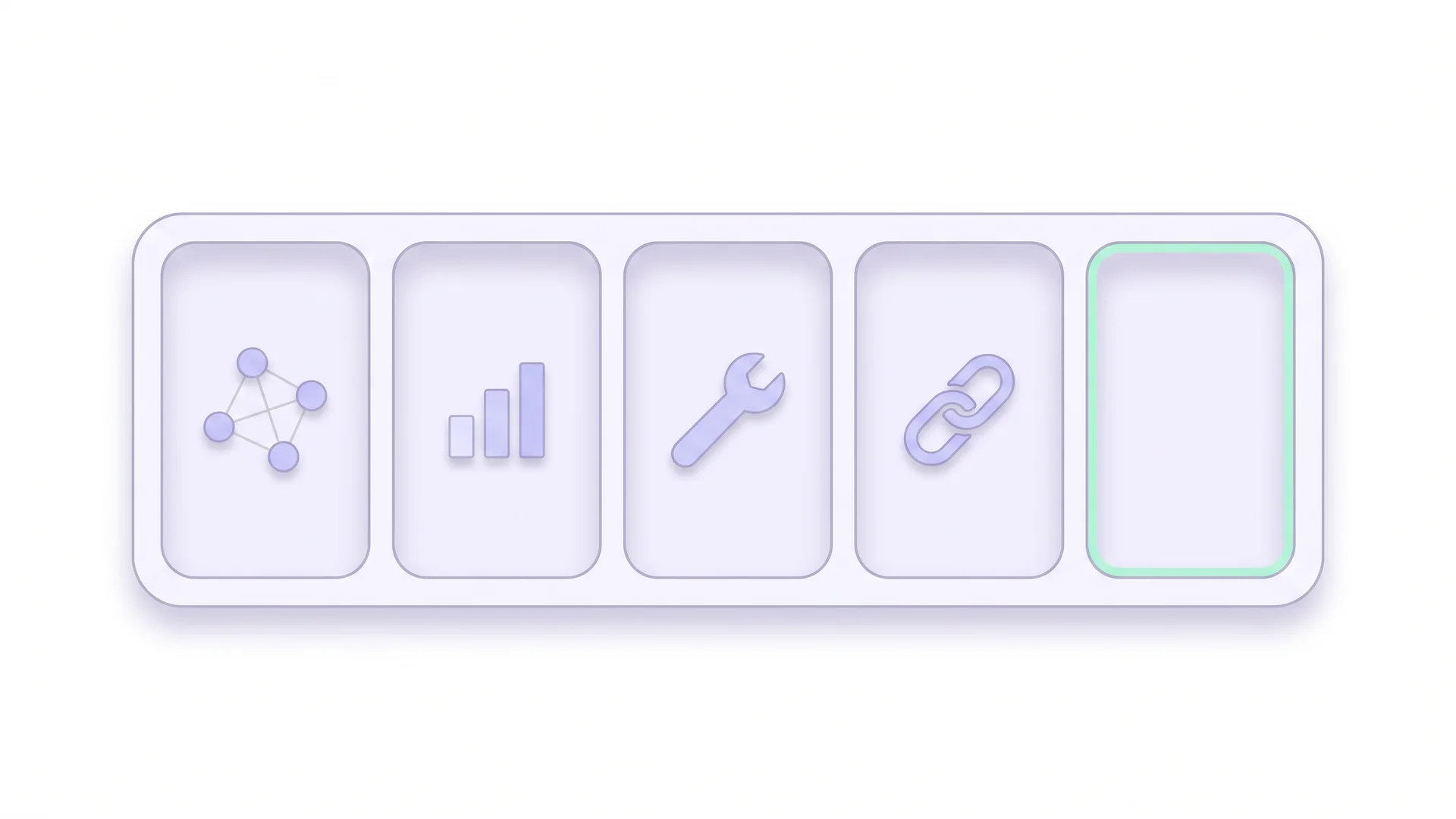
A content audit is four jobs, and no single product covers all four. The useful question is not which tool is best. It is which part of the work each one takes off your hands.
 Key Takeaways
- No single tool runs a content audit. Four jobs need covering: the inventory, the performance numbers, the technical layer and whether the text is still true
- Screaming Frog builds the inventory and stays free up to 500 URLs; beyond that a licence costs £199 per year
- Semrush Content Audit no longer exists, which most comparison articles still have not noticed
- Accuracy is the open compartment. A crawler can find a statistic on your page, but it cannot tell you the number has changed
What does a content audit tool actually have to do?
A content audit ends in a decision for every page: keep, update, merge or delete. To get there you need four kinds of input, and they come from four different places.
| Job | The question it answers | What it takes |
|---|---|---|
| Inventory | Which pages exist, and which ones did we forget? | A crawler plus the sitemap and the index |
| Performance | Which pages earn clicks, rankings and conversions? | Search Console and your analytics |
| Technical layer | Can the page be crawled, indexed and rendered? | A site auditor |
| Accuracy | Is what the page says still correct? | A source check, manual or automated |
Most tools in this category cover one job well and touch a second one. None covers all four. The full five-step sequence is in our content audit guide; the sections below map tools onto it.
Screaming Frog SEO Spider: the inventory engine
Screaming Frog is a desktop crawler. You point it at a domain and it walks the links. Out comes one row per URL with status code, title, meta description, headings, word count, canonical, indexability and the server date fields. For the inventory step, nothing else comes close.
Three things make it the default choice for audits:
- It connects to the Google APIs. Search Console and Analytics data land in the same table as the crawl data, so clicks sit next to word count.
- It reports the server Last-Modified header. That field is often the only honest date on a page, and it feeds directly into a freshness review.
- It checks external links. Enable external link crawling and you get the HTTP status of every outbound link you have ever placed.
Where it stops is just as clear. Screaming Frog tells you a page has 2,400 words and a 2019 date. It has no opinion on whether those words are still correct. It also has no interface for the decision column; the export goes into a spreadsheet.
The pricing page puts the free crawl limit at 500 URLs, with a licence at £199 per year for unlimited crawling and the advanced features. For a site with a few hundred pages, the free version covers the whole inventory step.
Run the crawl twice, a quarter apart, and use the crawl comparison. The pages whose word count, title or date changed are the ones someone touched. Everything else has been sitting untouched since publication, which is where decay collects.
What happened to Semrush Content Audit?
It is gone. The product URL redirects to the Semrush homepage, and the content tool page carries a single notice.

The Content Audit tool is no longer available in our suite; we apologize for any inconvenience. We are focusing our development efforts on other aspects of the Semrush toolkit.
The tool used to group your pages by Search Console and Analytics performance and suggest which ones to rewrite, remove or leave alone. That workflow has not been replaced one for one. Semrush points users to the On Page SEO Checker, which optimises individual pages rather than reviewing an archive.
The rest of the suite still does useful audit work. Site Audit covers the technical layer, Position Tracking shows ranking movement over time, and the Organic Research data tells you which pages lost visibility. You assemble the audit yourself from those parts.
A whole genre of comparison posts recommends a product that was switched off, with screenshots of an interface nobody can open. Those posts rank. Readers follow them and sign up for a plan expecting a tool that is not there. That is the mechanism behind why outdated content hurts your SEO, visible in the wild.
Where does Ahrefs fit into a content audit?
Ahrefs earns its place in an audit through two data sets that crawlers do not have.
Referring domains per URL. Before you delete or merge a page, you need to know what links to it. A page with forty referring domains and no traffic is a redirect candidate, never a delete candidate. Backlink data turns a pruning guess into a decision, and the delete, merge or refresh choice depends on it.
Broken outbound links at scale. In Site Audit you enable the option “Check HTTP status of external links” before the crawl starts. Pages with dead destinations then show up under the “Page has links to broken page” issue, as the Ahrefs help centre describes. Without that setting the crawl only checks internal links, which is the default many teams never change.
Dead outbound links matter more than their small issue count suggests. Pew Research Center found that 38% of web pages that existed in 2013 were no longer reachable a decade later. Every citation in your archive sits on that curve. We go through the handling in external links and what they do for SEO.
What Ahrefs does not do is read your text. A 404 in your sources gets flagged. A source that still returns 200 while saying something different than it did in 2023 does not.
Why does Google Search Console belong in every comparison?
Because it is free, it is the only source of Google’s own click and impression data, and the paid tools pull from it anyway.
For an audit, three reports carry the weight. The Performance report gives clicks, impressions and average position per URL, with a sixteen month window that lets you see the trend rather than the snapshot. The page indexing report shows which URLs Google decided not to index, which is a quality verdict in itself. The URL inspection tool tells you when a page was last crawled.
The limits are real. There is no bulk export beyond 1,000 rows in the interface, so larger sites need the API or the Looker Studio connector. And the data is sampled and filtered, so totals never match analytics exactly. Neither limit is a reason to skip it. A page with falling impressions and a stable position is decaying in demand; a page with stable impressions and a falling position is losing to competitors. Those two cases need different work, and only this data separates them.
Search Console only reports queries where your site actually appeared. A page sitting on position 80 for everything therefore looks almost the same as a page that ranks for nothing at all. Telling those two apart takes the crawl, not the performance report.
Where does CiteRanger fit?
We built CiteRanger for the fourth job, the one the compartment table leaves empty. It walks the URLs in your sitemap and extracts the factual claims from each page. Those claims get checked against current sources. The report lists what no longer holds: superseded statistics, changed prices, renamed tools, dead citations and dates that have quietly aged out.
One credit scans one article. The free plan includes 15 credits, and paid plans start at $19 per month for 100; the full list is on the pricing page. You can run a whole archive through the content audit tool or check only your outbound links with the outbound link checker.
Being equally clear about the limits: CiteRanger is not a crawler. It does not report status codes, render JavaScript, measure Core Web Vitals or give you keyword data. It also cannot judge whether a page deserves to exist, only whether what it says is still accurate. And it is in beta, so plans and prices may change before general availability.
That makes it a layer, not a replacement. Screaming Frog tells you the page exists and Search Console tells you whether anyone finds it. Ahrefs tells you what links to it. The accuracy check tells you whether it still deserves the trust it asks for.
Which tools do you actually need?
The honest answer depends on how many pages you own and who is paying.
Which content audit tool for a startup or small site with no budget?
Screaming Frog free plus Search Console plus a spreadsheet. That covers the inventory and the numbers at zero cost. Do the accuracy pass by hand on your top twenty pages, following how to find outdated content.
Which content audit tool for an in-house content team?
A Screaming Frog licence for the inventory and the external link check, Search Console for performance, one suite for rankings and backlinks. Plus an automated accuracy check, so the fact layer does not depend on someone finding a free afternoon.
Which content audit tools for an agency or multi-site setup?
The suite is already paid for, so the question is what to add. Usually two things. Scheduled crawls with comparison, so drift between audits stays visible. And an accuracy check that produces a client-ready report rather than a spreadsheet tab.
 Richard Roth Founder CiteRanger, SEO Strategist
Most teams I talk to do not have a data problem. The crawl ran, the export sits in a folder, and nobody ever filled in the decision column. A fifth tool does not fix that. A named owner and a due date per row does, and it costs nothing.
What does a content audit stack cost?
| Layer | Typical option | Order of cost (checked November 2026) |
|---|---|---|
| Inventory | Screaming Frog | Free to 500 URLs, £199 per year beyond |
| Performance | Search Console, analytics | Free |
| Rankings and backlinks | One SEO suite, one seat | Low three figures per month |
| Accuracy | Automated source check | From $19 per month |
| Decisions | Spreadsheet | Free |
Suite pricing changes often enough that any number printed here would be wrong within a year, which is the whole reason this site exists. Check the vendor page before you budget.
Set the cost against the alternative. A manual accuracy pass runs at roughly ten to fifteen minutes per article once you include opening the sources. For 300 articles, that is a working week of someone’s time per audit cycle. We costed out what skipping it does in the real cost of outdated statistics.
Can one tool do the whole audit?
Not today, and the reason is structural rather than a gap in anyone’s roadmap.
Crawlers work on markup. Status codes, headers, titles, word counts and link targets are all machine-readable facts about a document. Accuracy is a claim about the world outside the document. Checking it means finding the current source, reading it and comparing. That is a different kind of work, and it is why every tool in this comparison stops at the same line.
So treat your stack as four jobs rather than one purchase. The inventory tool, the performance data, the technical auditor and the fact check each answer a question the others cannot. Pick one tool per job, and keep the inventory as the spine that the other three write into.
Conclusion
The tools in this category are good at what they measure, and what they measure is the container. Screaming Frog maps your archive, Search Console tells you how it performs, Ahrefs tells you what the web thinks of it. Semrush Content Audit, the one product that promised to tie it together, has been switched off, and most lists have not caught up.
The accuracy layer is where audits still break, because it is the one job nobody automated for a long time. Start your next audit with the inventory, pull the numbers from Search Console, then check the facts on your top pages before you touch anything else. Outdated claims are the findings that cost you trust fastest, and the cheapest ones to fix.